How to Request a Plan Change
Abstract
The U.S. Cyber Range offers several plan options to accommodate the evolving needs of users. Billing Admins can request to change their organization's subscription plan. This article will guide you through the steps to request a plan change for your organization.
-
Log in to your U.S. Cyber Range account.
-
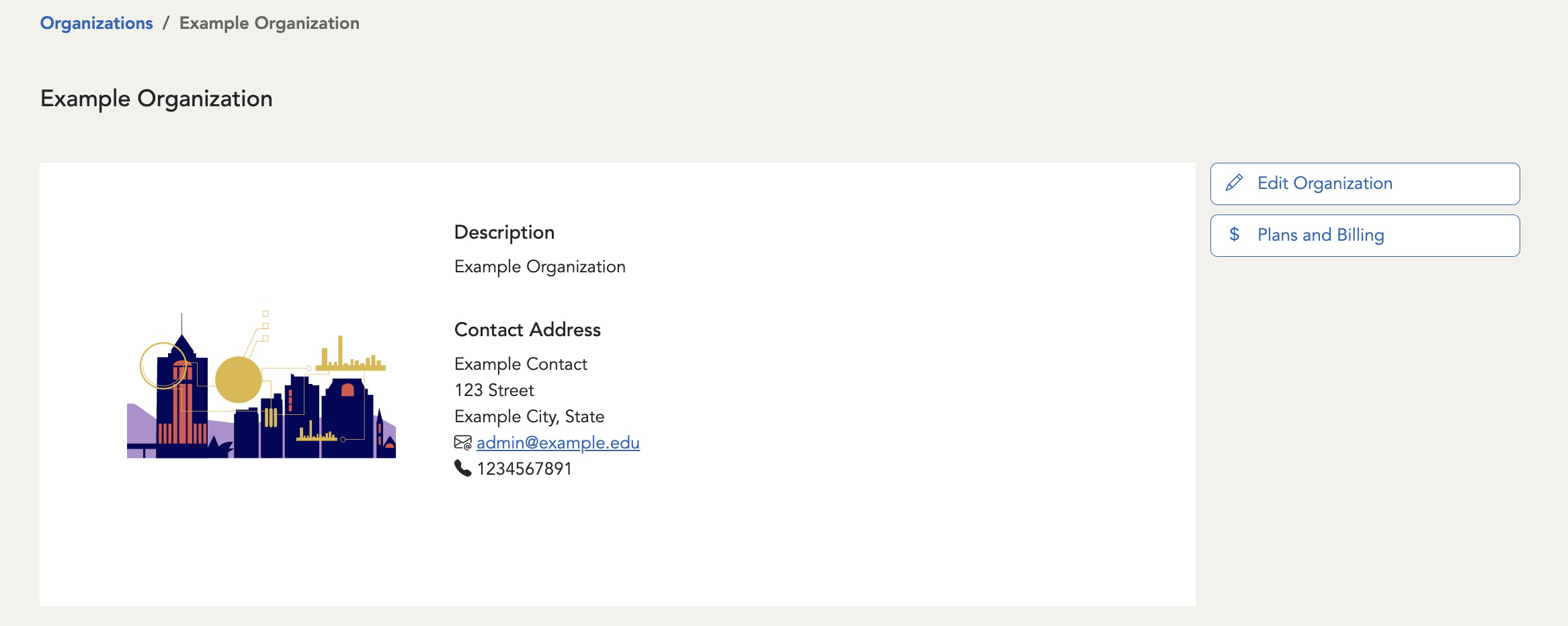
Navigate to the organization that you’d like to request the plan change for.
-
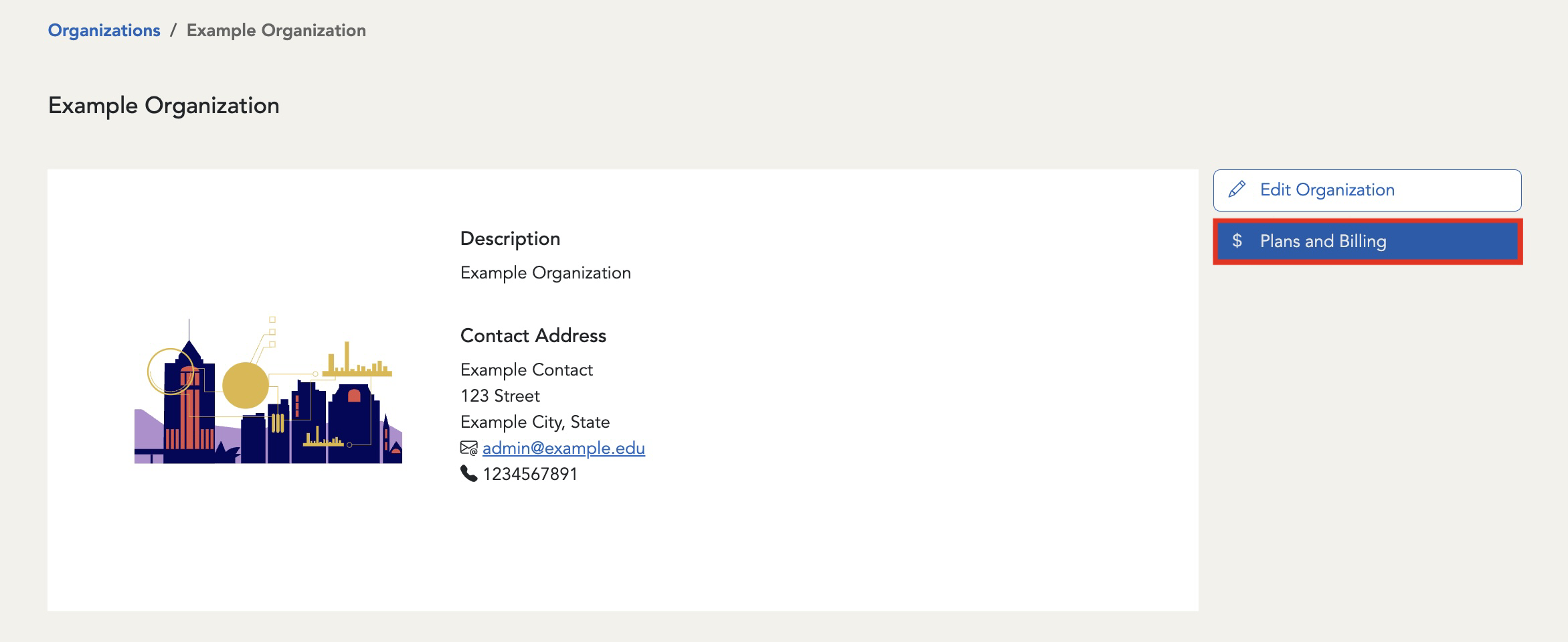
Select the Plans and Billing button.
-
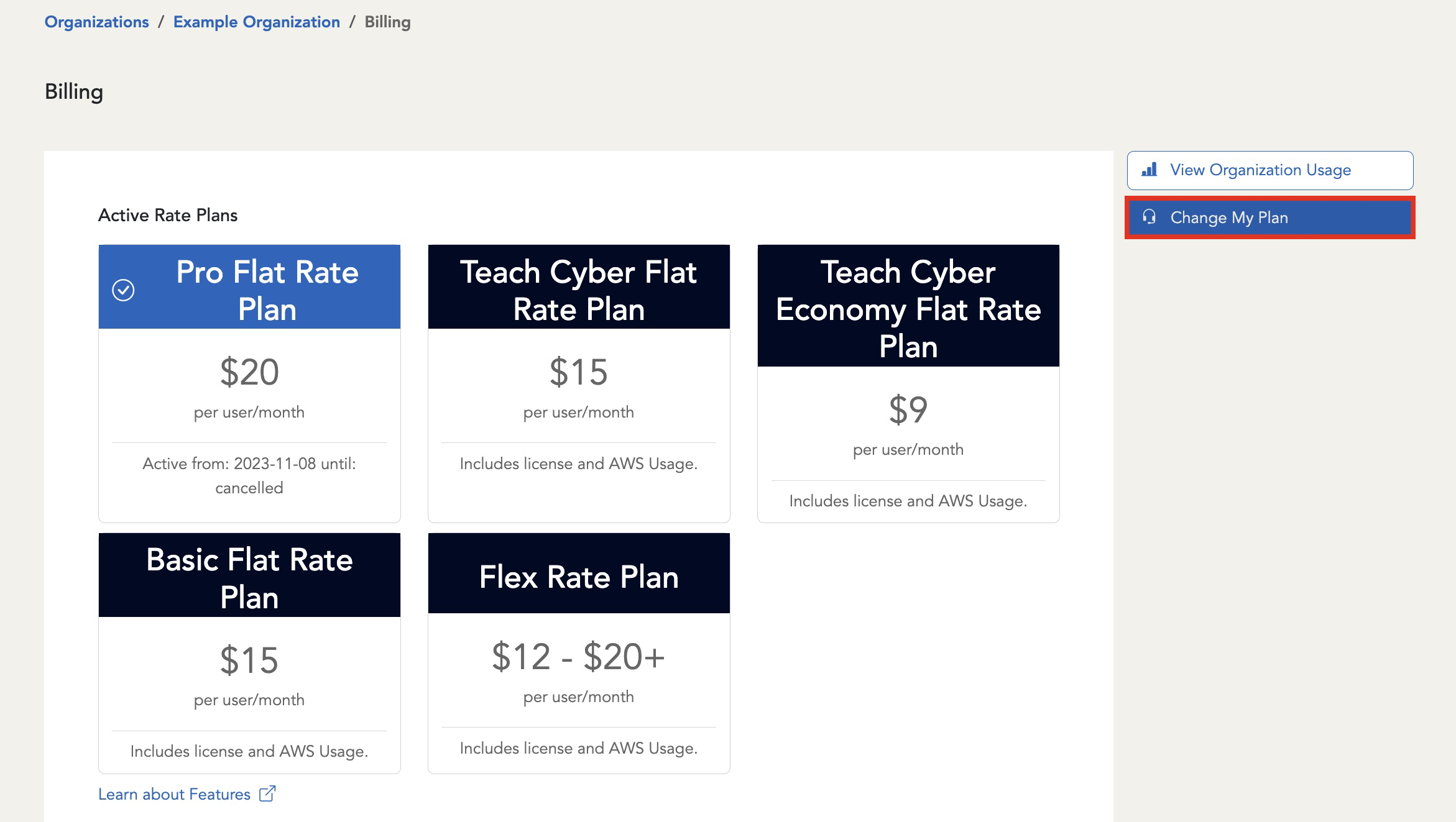
You will then be redirected to the Billing page, where you can find your current plan and other available plans. Click on the Change My Plan button.
-
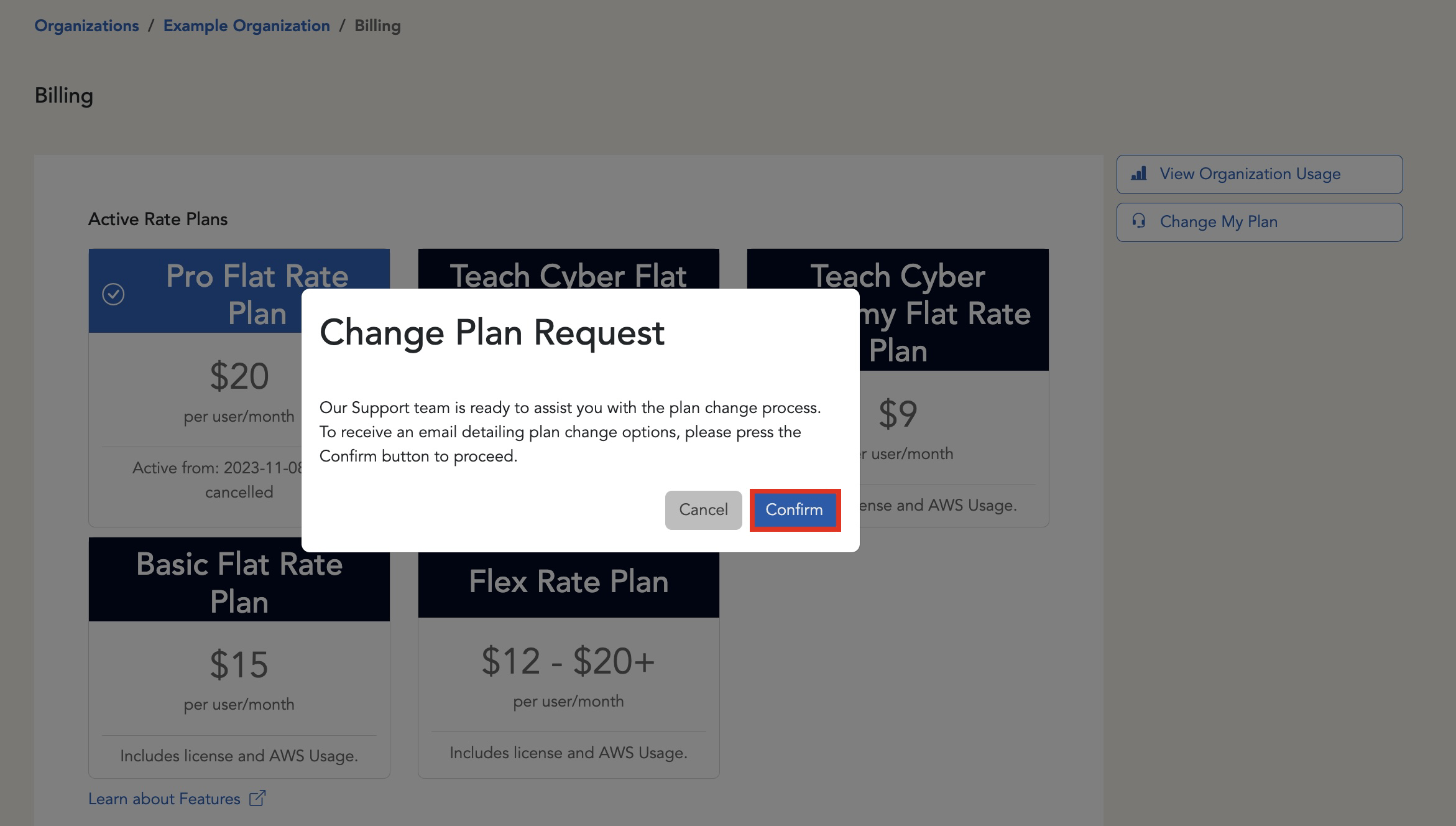
This will open a pop-up window to confirm that you would like to proceed with your request and also receive more information about your options regarding a plan change. To continue, click on the Confirm button.
-
Once you have clicked confirm, a new pop-up window will appear to confirm that your request was sent to the Support team.
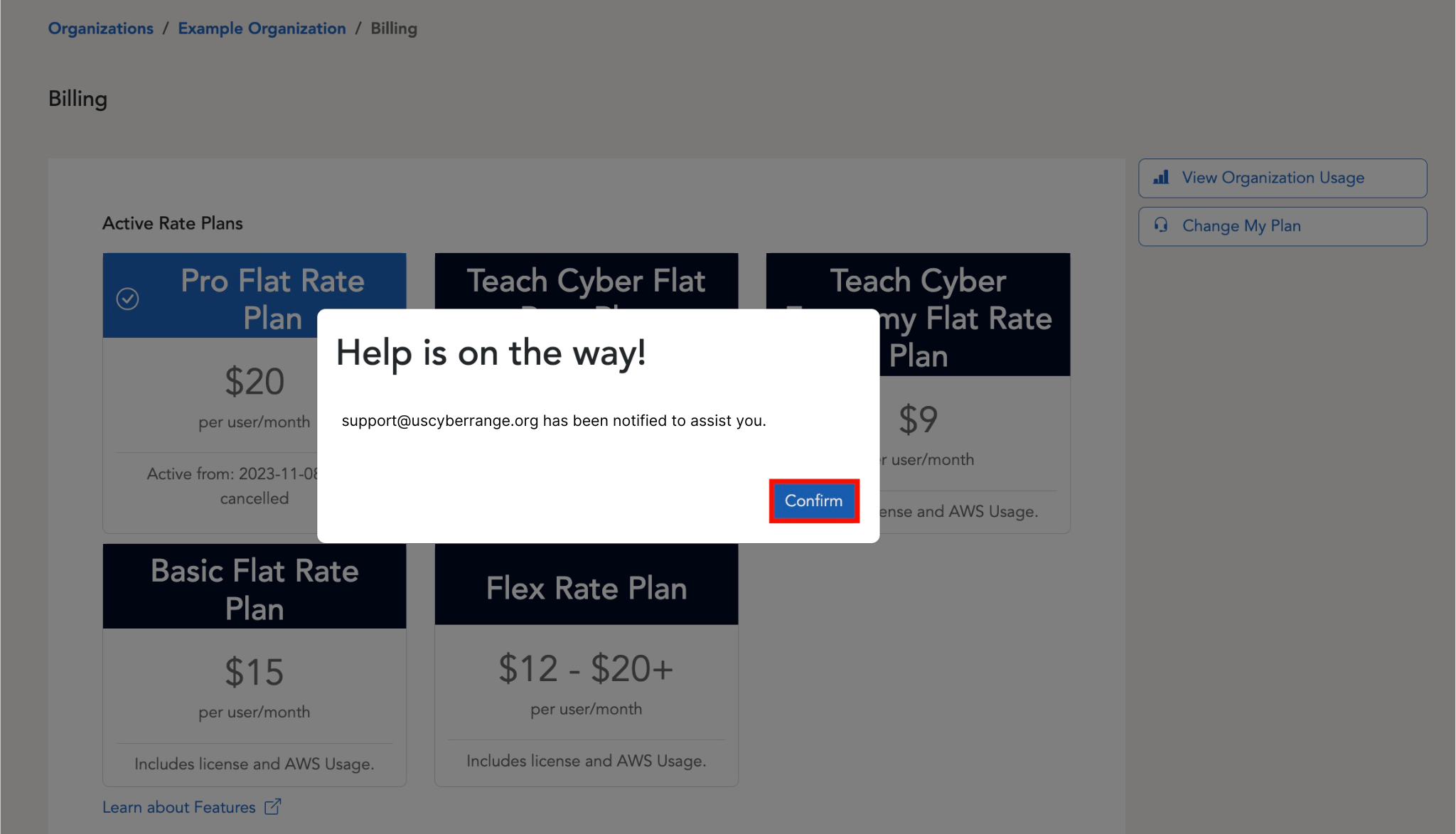
Our Support Team will then get in touch with you as soon as possible after your request is submitted!
Note
The Support Team operates Monday - Friday between 8AM and 5PM Eastern US time. Please expect delays in response outside of these hours and during holidays. For a full list of our observed holidays, please refer to the section titled Business Hours and Holiday Schedule.
Have a Question? Contact Support
We're here to help you. If you still have questions after reviewing the information above, please feel free to submit a ticket with our Support Team and we'll get back to you as soon as possible.
Thank You for Your Feedback!